Ketelle Studio
Long ago a ship crashed on Earth by accident. It carried a gate, and a datachip in the wreck held three addresses. Earth was never meant to be found, and the Dominion don't know it exists. Yet.
Mac (Apple silicon), Windows, Linux and Steam Deck. Latest version: 0.20.0, 1 November 2026.
Build the base
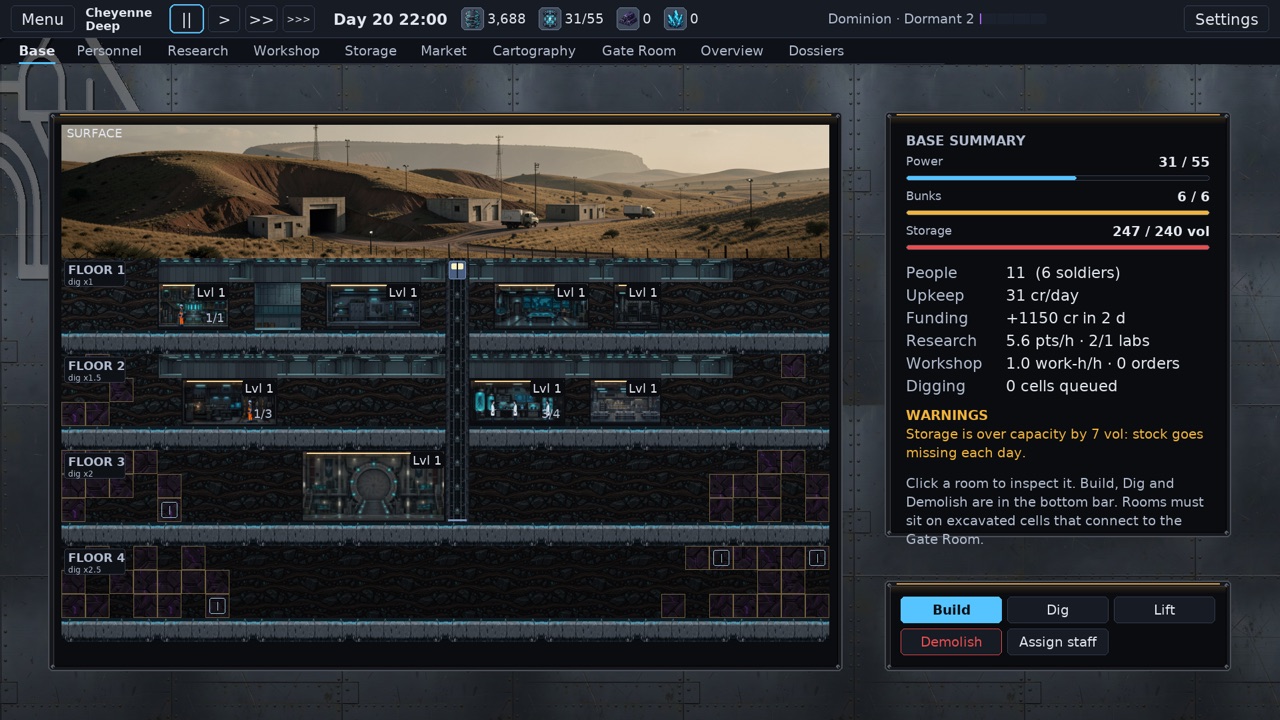
Dig rooms out of the rock, power them and staff them. Scientists study what your teams bring home, engineers turn it into weapons, armour and probes, and every room costs upkeep. Keep the books balanced or the base starves.
Step into the unknown
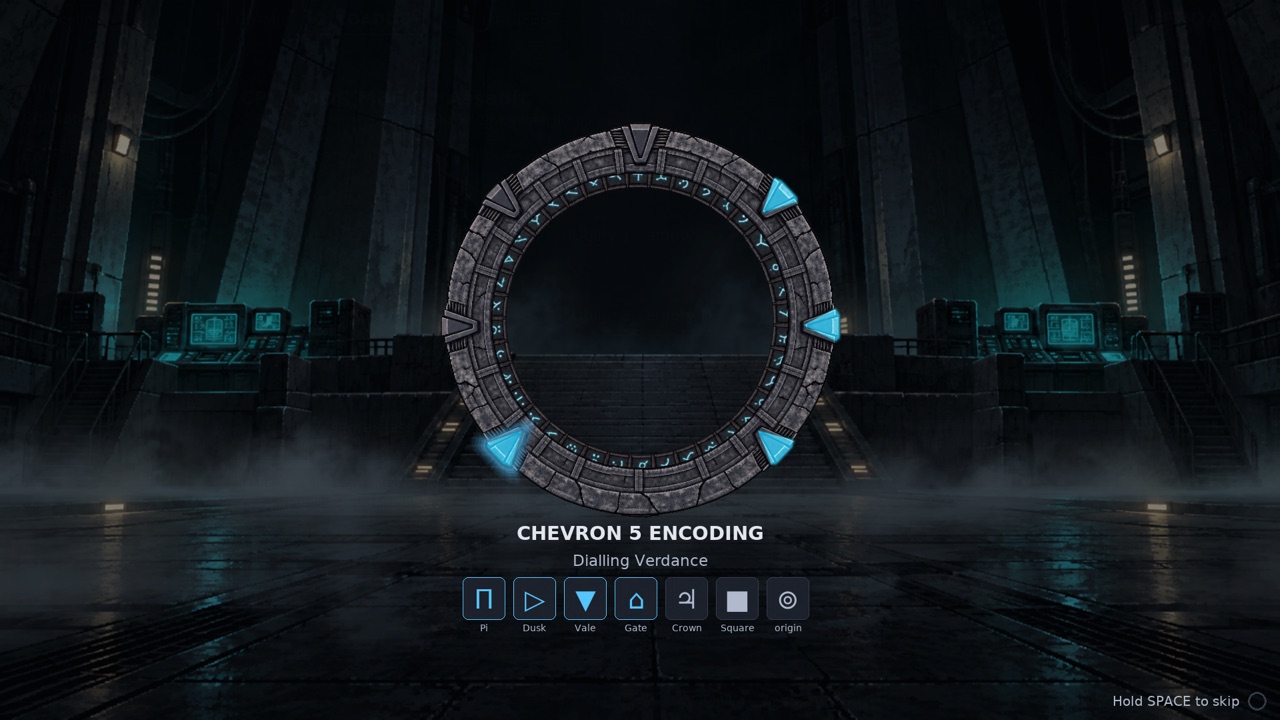
A probe sent through the gate might pick up movement, a structure or an energy signature. It won't tell you what's waiting. Your team finds that out when they walk out on the other side: a settlement, a garrison or an empty ruin. Linger too long on a quiet world and the gate opens behind you.
Fight smart
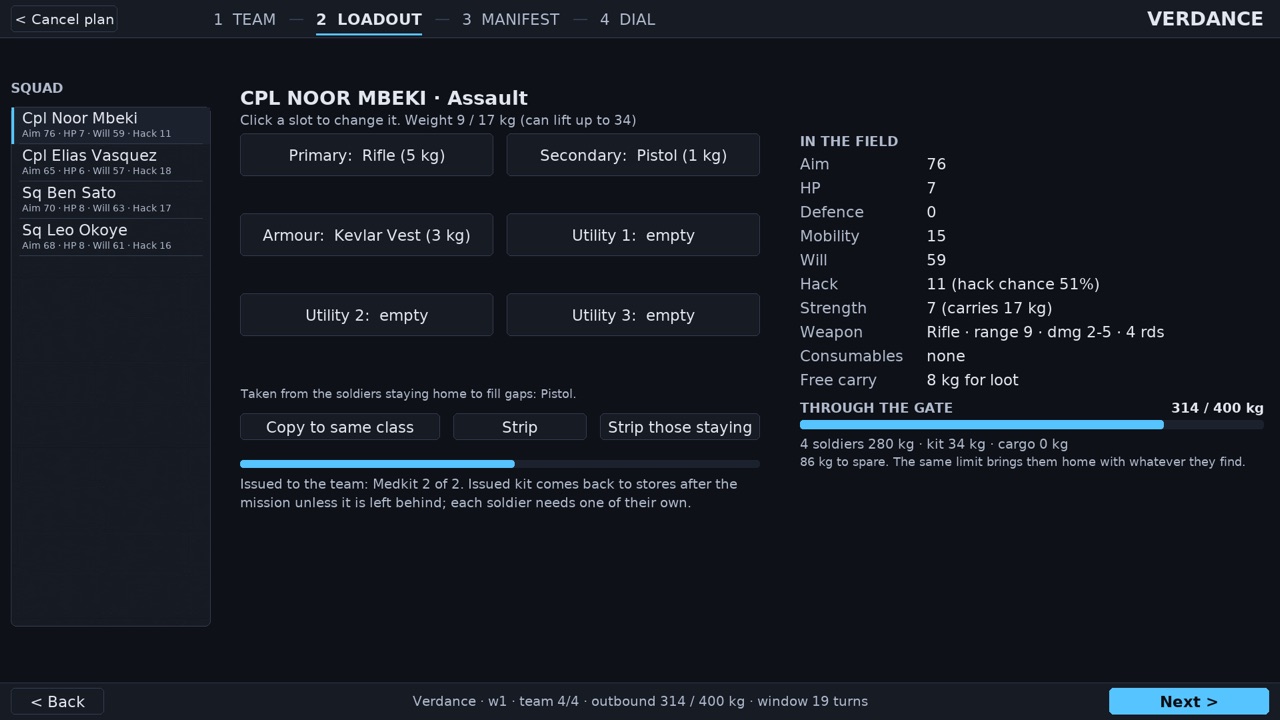
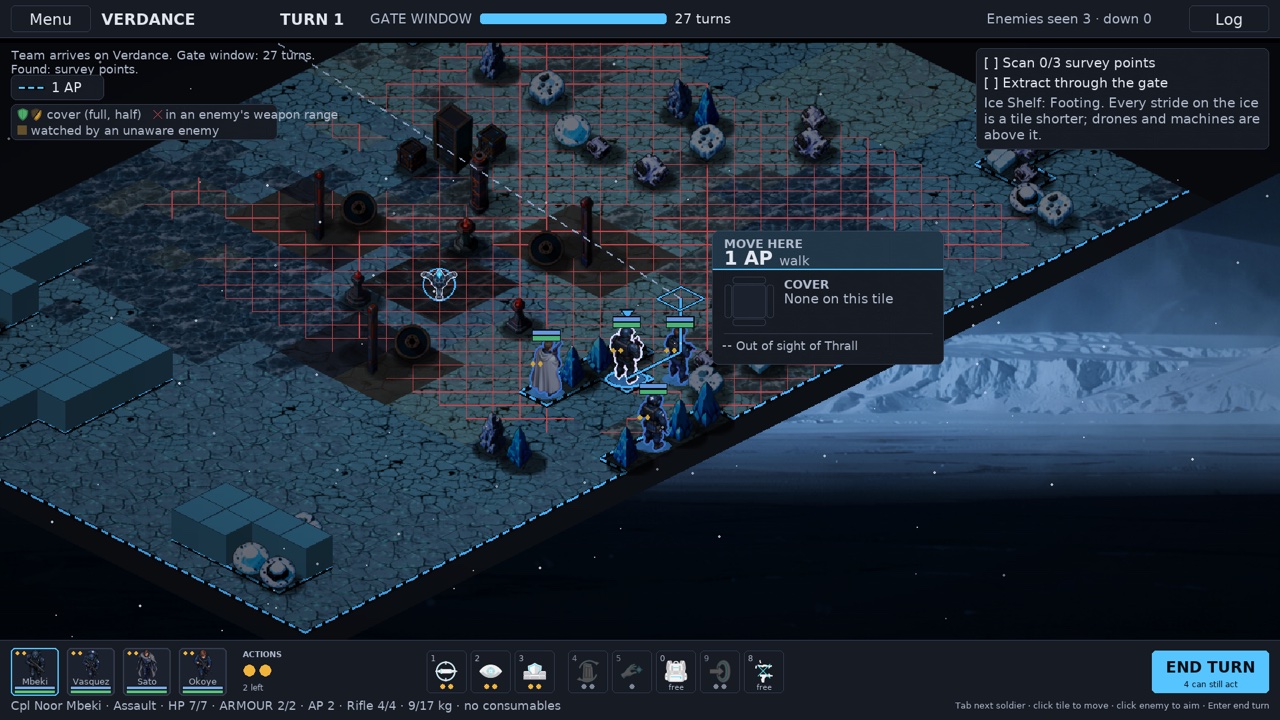
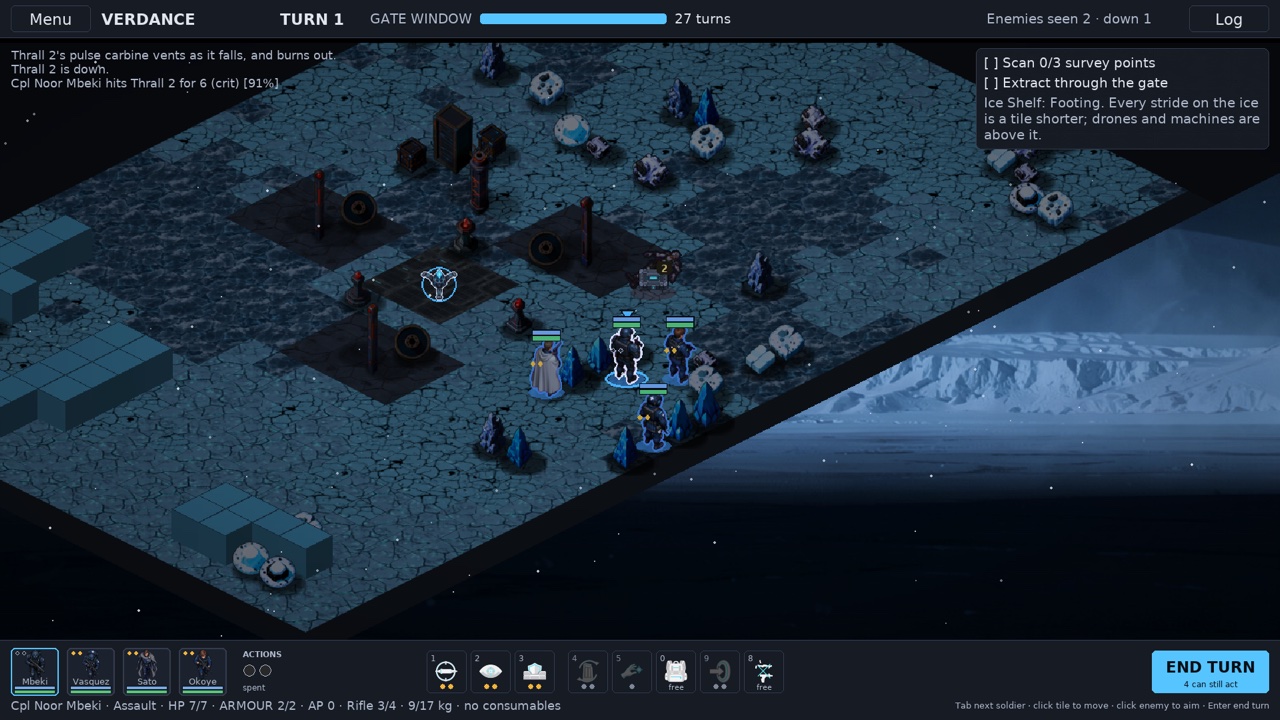
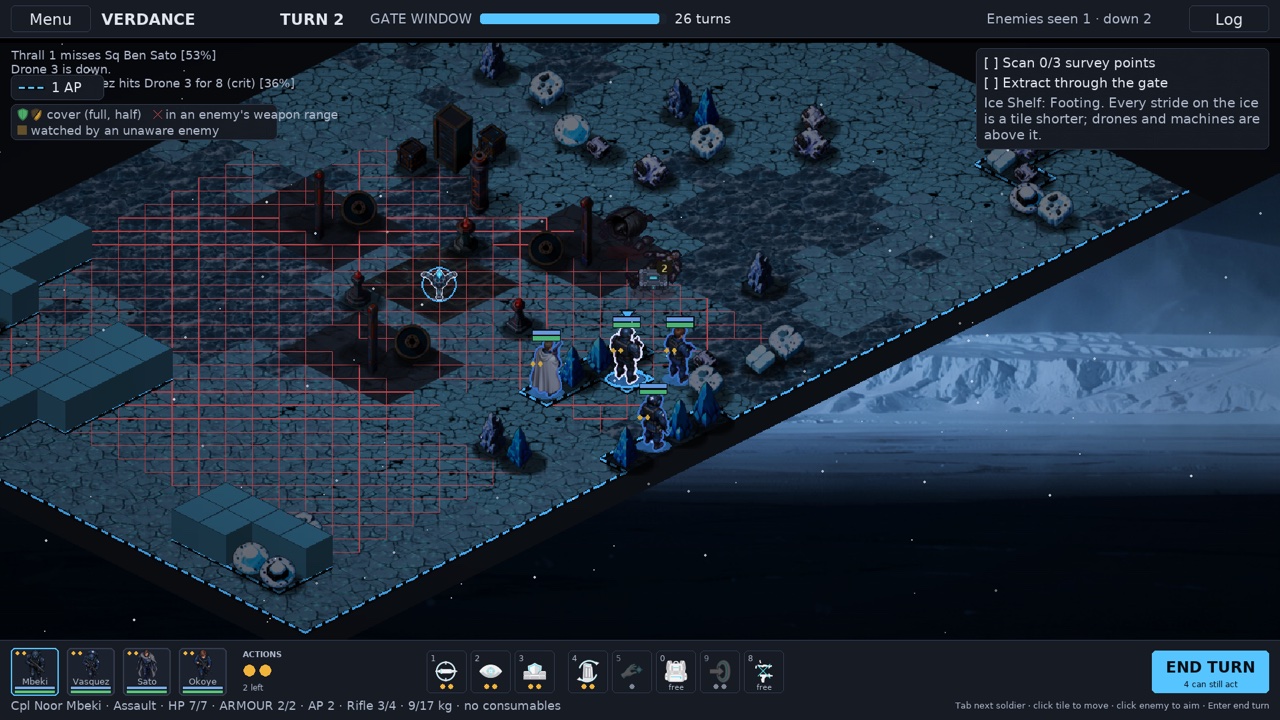
Cover, flanking and overwatch. The enemy take cover too, pick off the wounded and lob grenades at a squad that bunches up. Recruit fighters from allied worlds, each with their own gear and skills: the Warder's shield bash, the Hunter's poisoned arrows, the Seer's foresight, the Skirmisher's blades.
Chart the stars
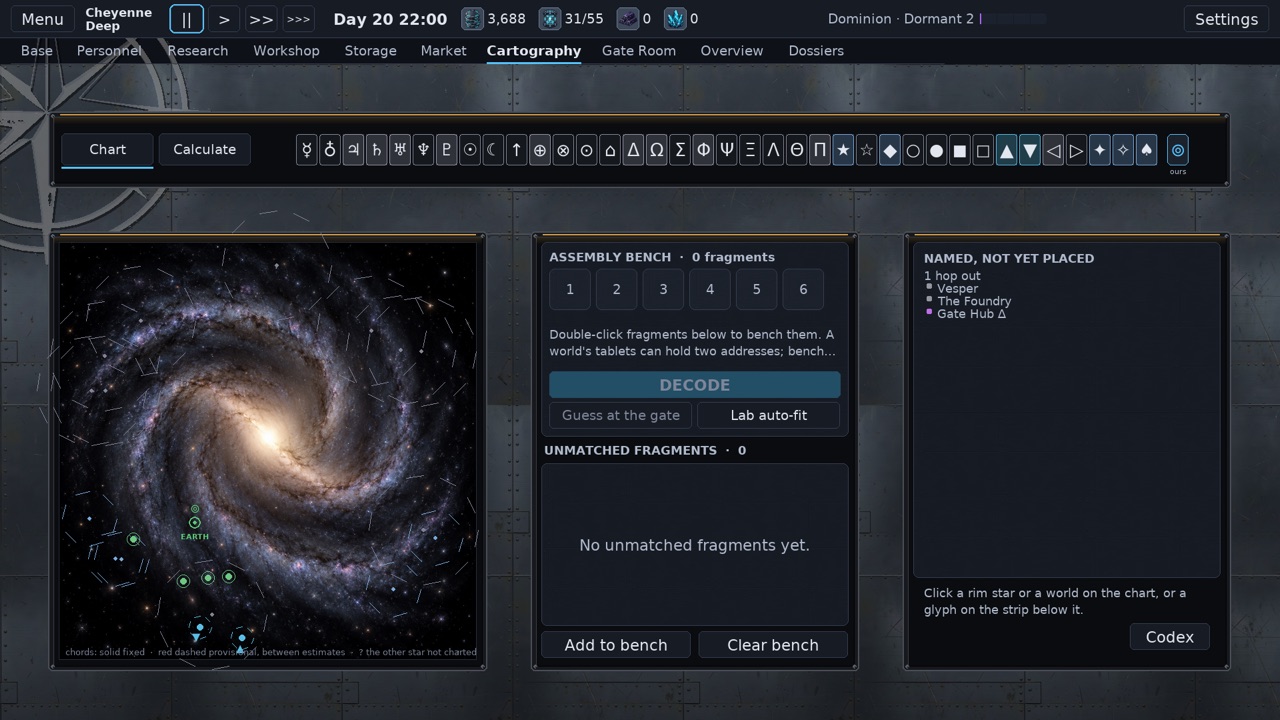
Every world you reach and every glyph fragment you recover sharpens your star chart. Piece together addresses nobody gave you, and the network opens up one world at a time.
Stay hidden
Every time the Dominion catch you, they get a little closer to finding Earth. Soldiers die permanently, worlds remember how you treated them, and the rivals you let escape learn.
Readable tactics
Every to-hit chance, cover value and enemy ability is on screen. No hidden dice.
Download
Download the launcher for your computer. It installs the game, keeps both the game and itself up to date, and still starts the game when you are offline. You only download it once.
Set up
- Open the dmg you just downloaded.
- Drag Gatefall into Applications.
- Start it from Applications. The first start downloads the game, so be online.
Set up
- Put the launcher somewhere you'll keep it. The Desktop is fine.
- Run it. The first start downloads the game, so be online.
- If Windows says it protected your PC, click More info, then Run anyway. You should only see this once, because the launcher updates itself in place.
Set up
- In Desktop Mode
- Switch to Desktop. Hold the power button and choose Switch to Desktop.
- Download the launcher with the button above, in the browser. It lands in Downloads.
- Make it executable. In the file manager, right-click it, then Properties, Permissions, tick Is executable, OK.
- Double-click it, online. The first start downloads the game. When the launcher's menu appears, choose Exit.
- Add it to Steam. Right-click the new Gatefall icon on the Desktop, then Add to Steam. No icon? Start the launcher, open Settings, Create Desktop shortcut.
- Double-click the Gatefall icon, then choose Exit again. This lets the launcher give its Steam entry the Gatefall artwork.
- Back in Game Mode
- Return to Gaming Mode with the icon on the Desktop. Gatefall is in your Library with its artwork. Still a grey tile? Restart Steam.
- Pick the controls. In your Library open Gatefall, the controller icon, then the Keyboard and Mouse template. The trackpad moves the pointer and the triggers click.
- Play. The game starts fullscreen at the Deck's own size.
Set up
- Make it executable:
chmod +x Gatefall-Launcher-linux-x86_64 - Run it, online. It adds Gatefall, with its icon, to your app menu and puts an icon on the Desktop.
- Play through Steam (optional). Add that icon to Steam as a non-Steam game, as on the Deck, and start it once more so the launcher can set its library artwork.
Updates
The launcher asks before updating the game: Enter to update, Esc to play the version you have (A and B on a controller). It updates itself silently, and offline it starts the version you have. The previous game version is kept on disk. Launchers older than 1.0.5 need one more manual download.
Saves and removal
Saves and settings live apart from the game and are never touched by an update: ~/.local/share/gatefall/ on Linux, the Steam Deck and Mac, and %APPDATA%\Gatefall\ on Windows. To remove Gatefall, delete the launcher and the game/ and launcher/ folders inside; delete the whole Gatefall folder to remove your saves too.
Cloud saves
Optional. Sign in with a Studio account from the launcher menu to keep your saves in sync between computers. It needs launcher 1.1.1 or later and game 0.20.1 or later. Manual and quick saves sync; autosaves do not, and settings and logs stay on the computer. If both copies of a save changed, the launcher asks Use Local or Use Cloud and backs up the local copy before overwriting anything. Each account has 5 MB of cloud storage.
Logs and crash reports
The launcher writes game/launcher.log in the Gatefall data folder. From game 0.20.2 a crash also writes logs/crash-<date>.txt, and a hard crash adds to logs/fatal.log, in the same folder: ~/.local/share/gatefall/logs/ on Linux, the Steam Deck and Mac, %APPDATA%\Gatefall\logs\ on Windows. Crash reports leave out your commander and base names, but file paths in them can include your computer's user name.
Every version, with full release notes and checksums, is on the releases page.
Screens