 Ketelle Studio
Reel
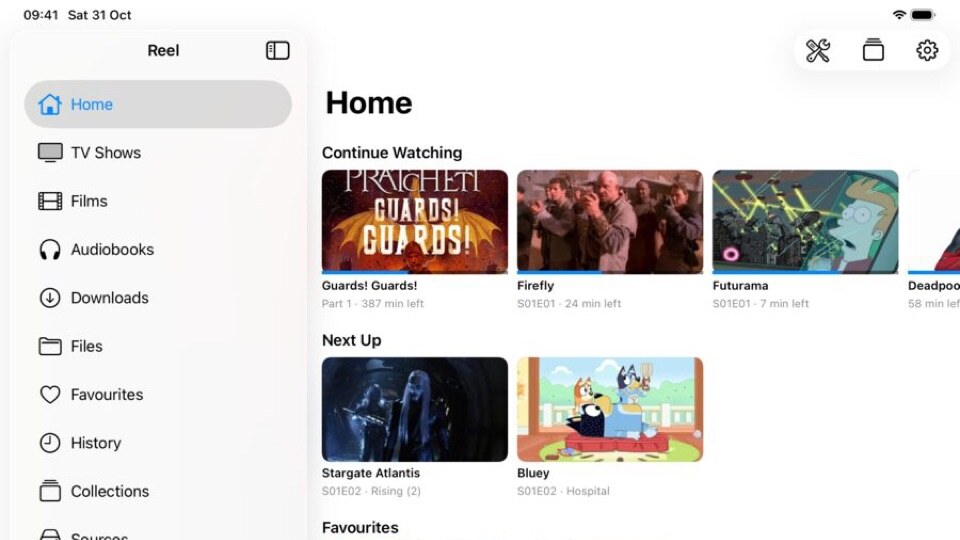
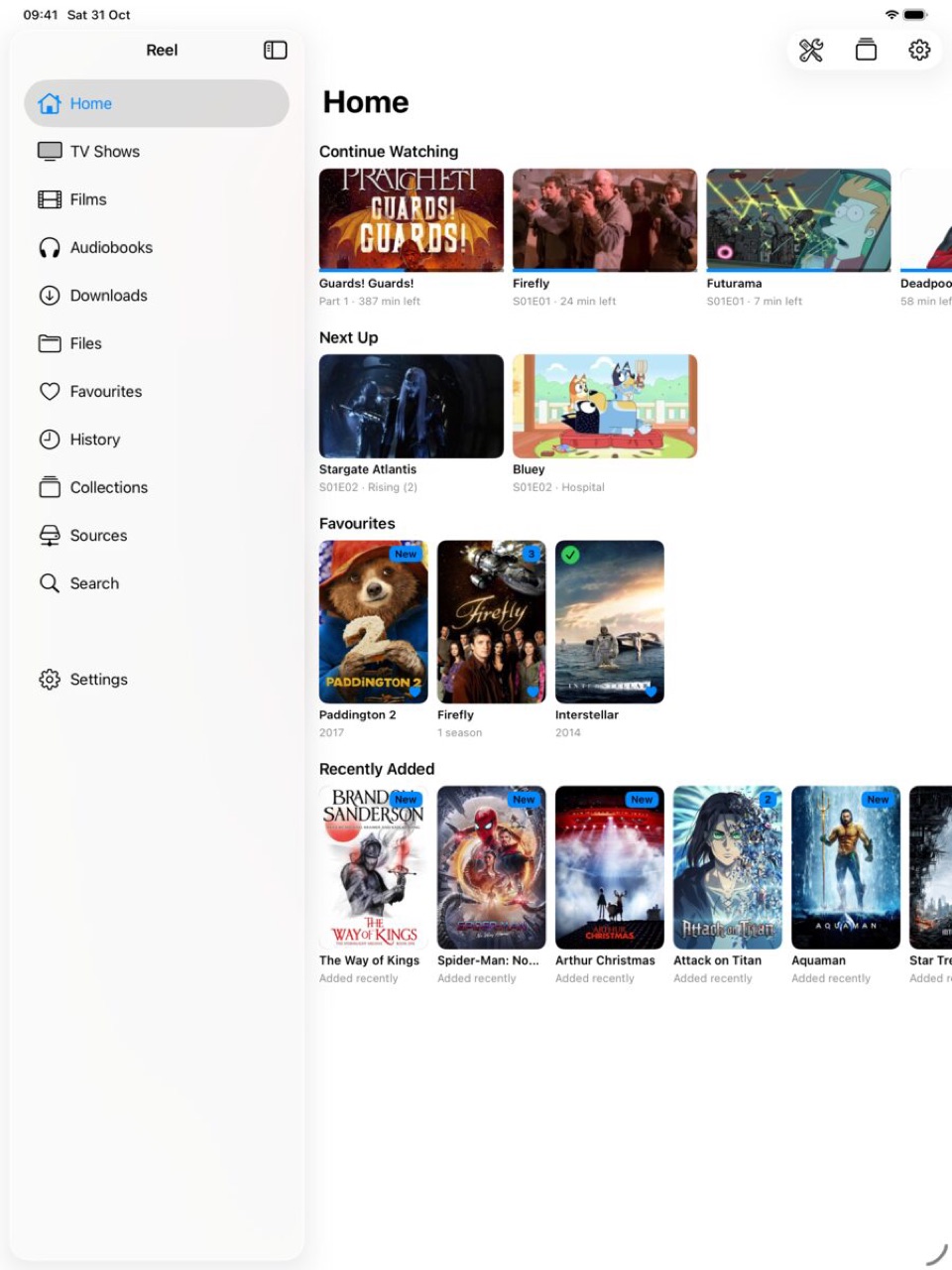
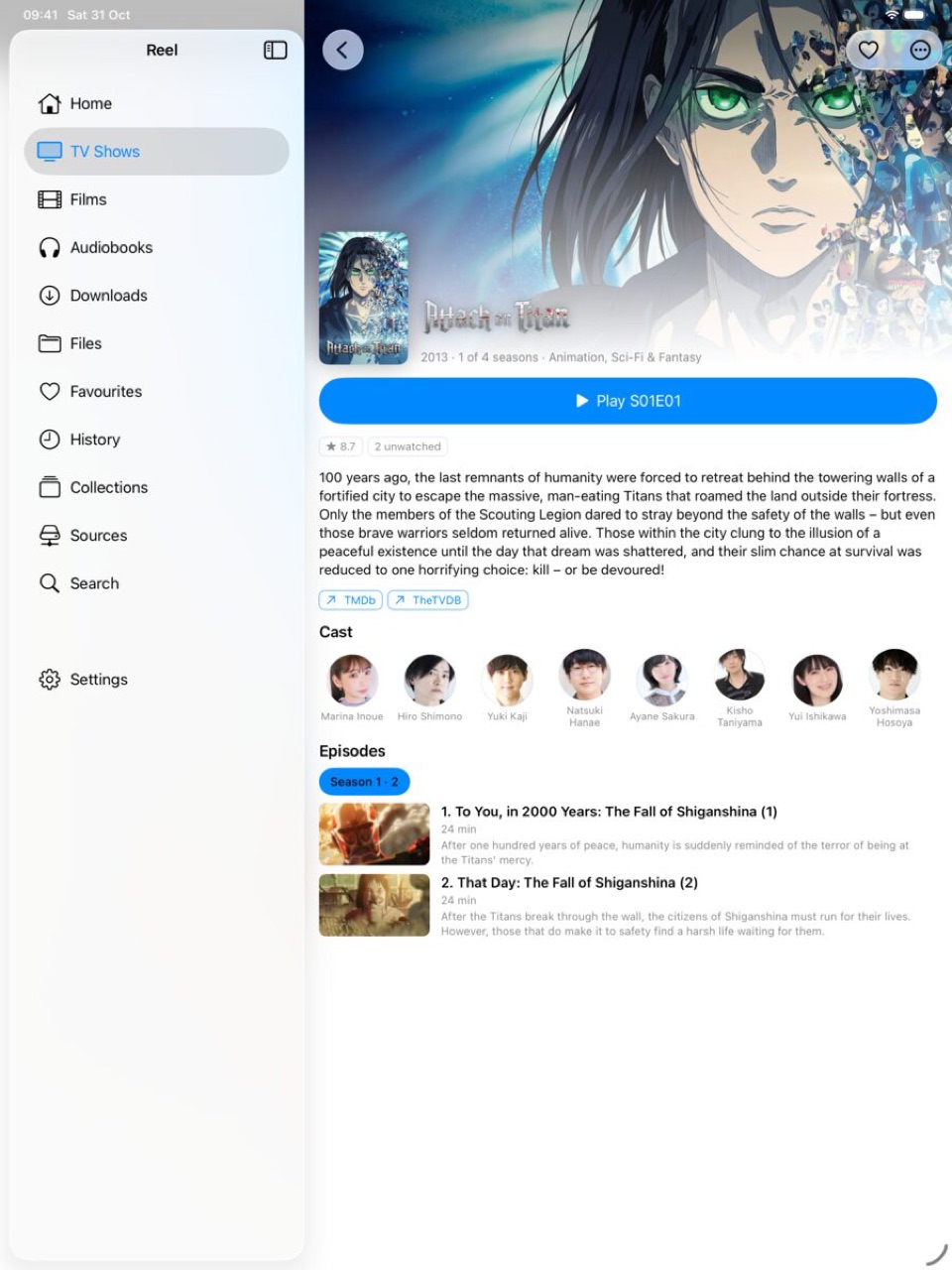
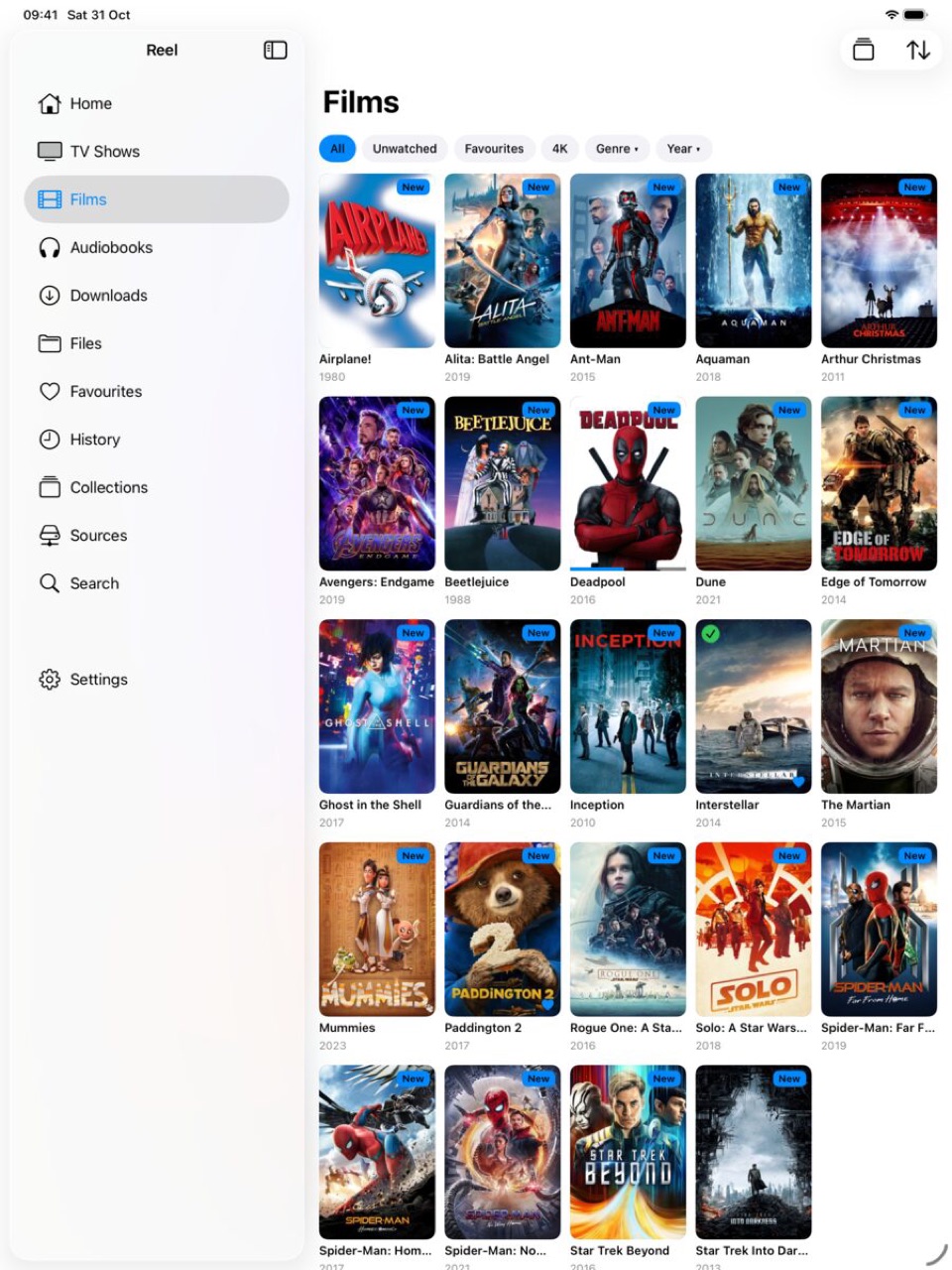
Reel is a media player for iPhone and iPad that plays your own files, straight from a NAS share or the device, and sorts them into TV shows, films and audiobooks with artwork. There is no account, no server to install and nothing is uploaded.
iPhone and iPad.
Plays almost anything
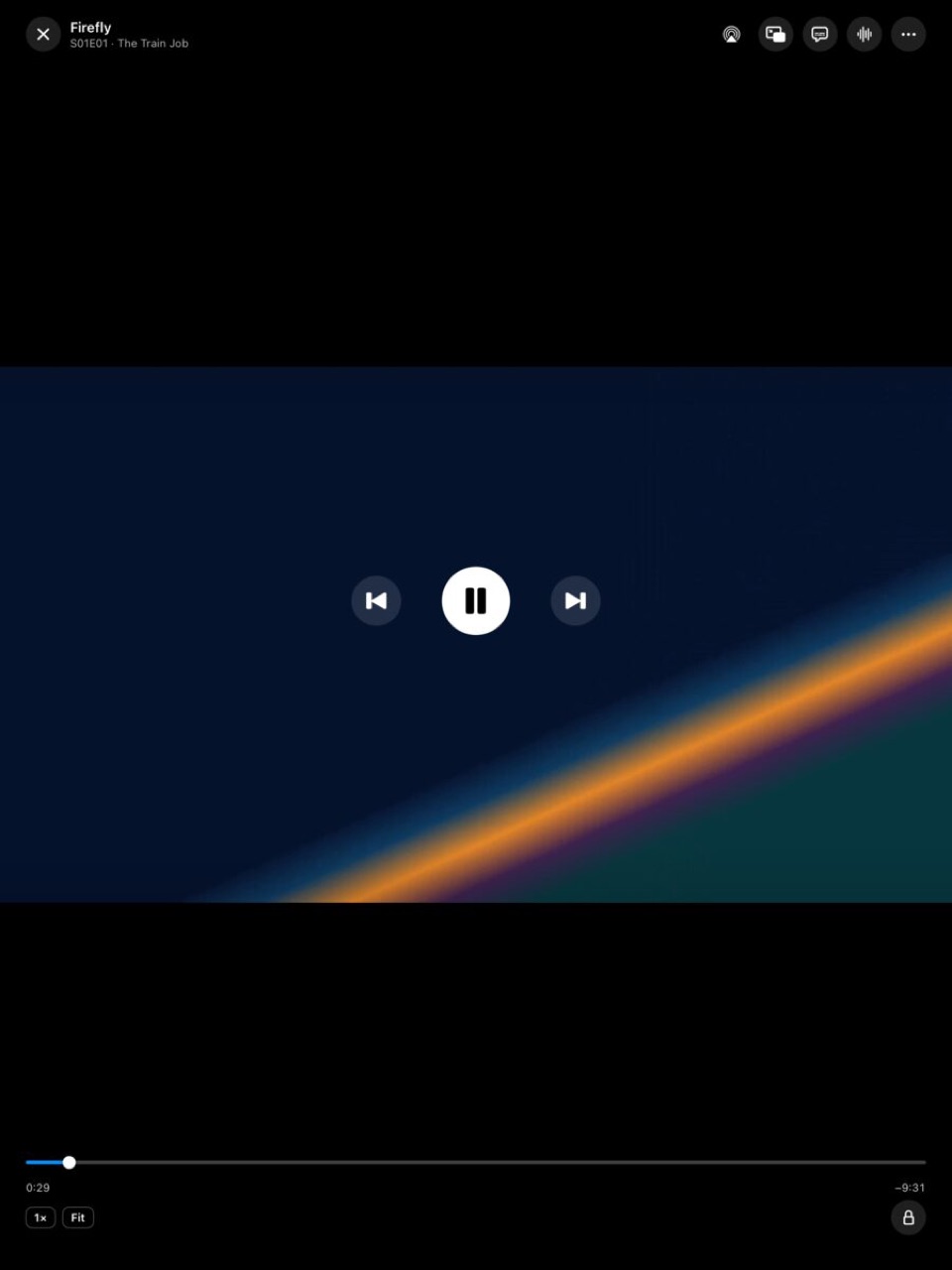
MKV, MP4, AVI, WebM and more, with HEVC, 10-bit, Dolby and DTS audio, embedded and external subtitles, chapters and playback speed.
Straight from your NAS
SMB, WebDAV, FTP, SFTP, NFS and DLNA servers, or folders on the device. Reconnects when a share drops; Wake-on-LAN for a NAS that sleeps.
A real library
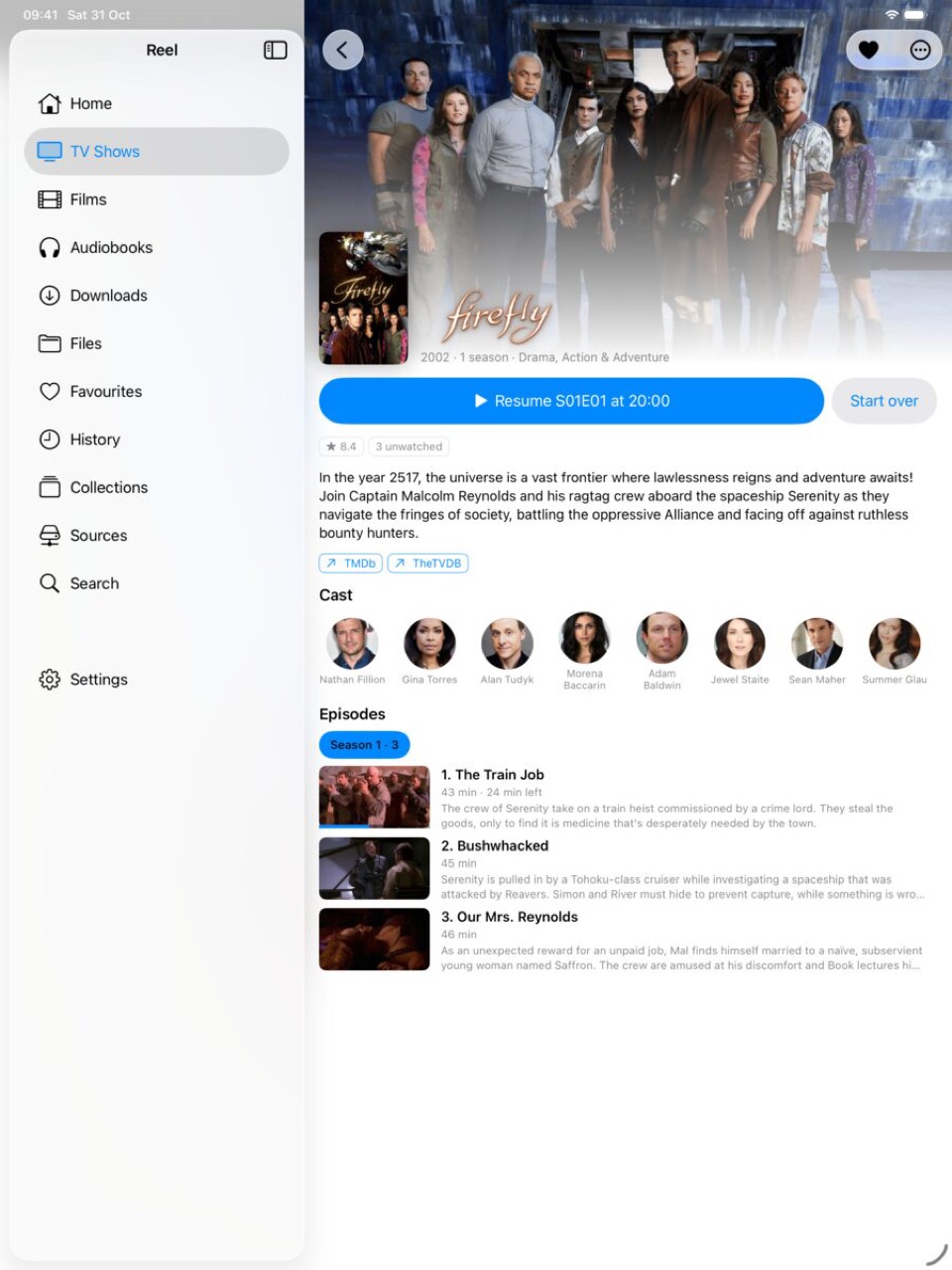
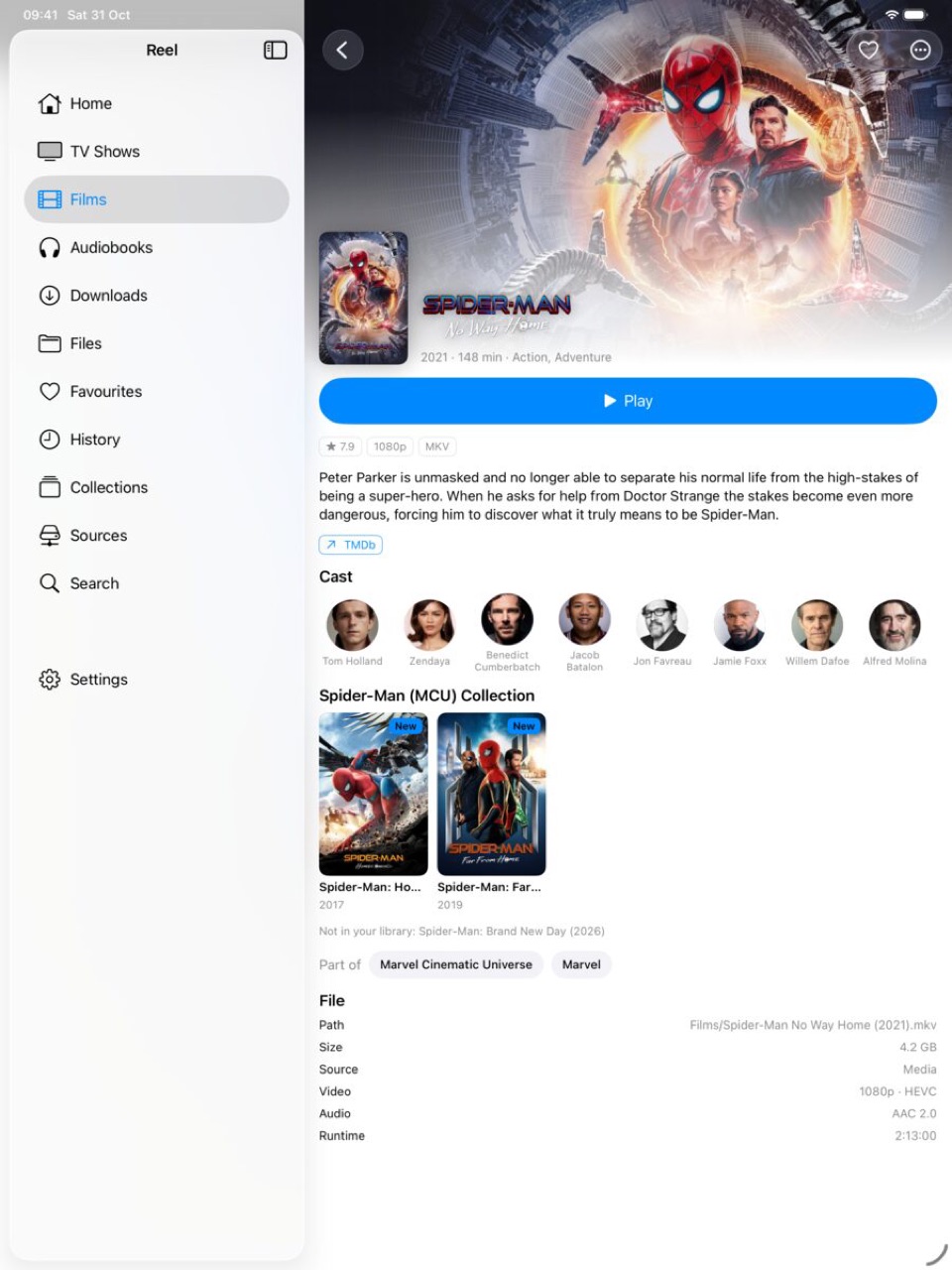
Titles, posters, episode names, cast and ratings from TMDb; anime recognised by its own titles. Collections, universes, smart collections and people pages with photos.
Audiobooks too
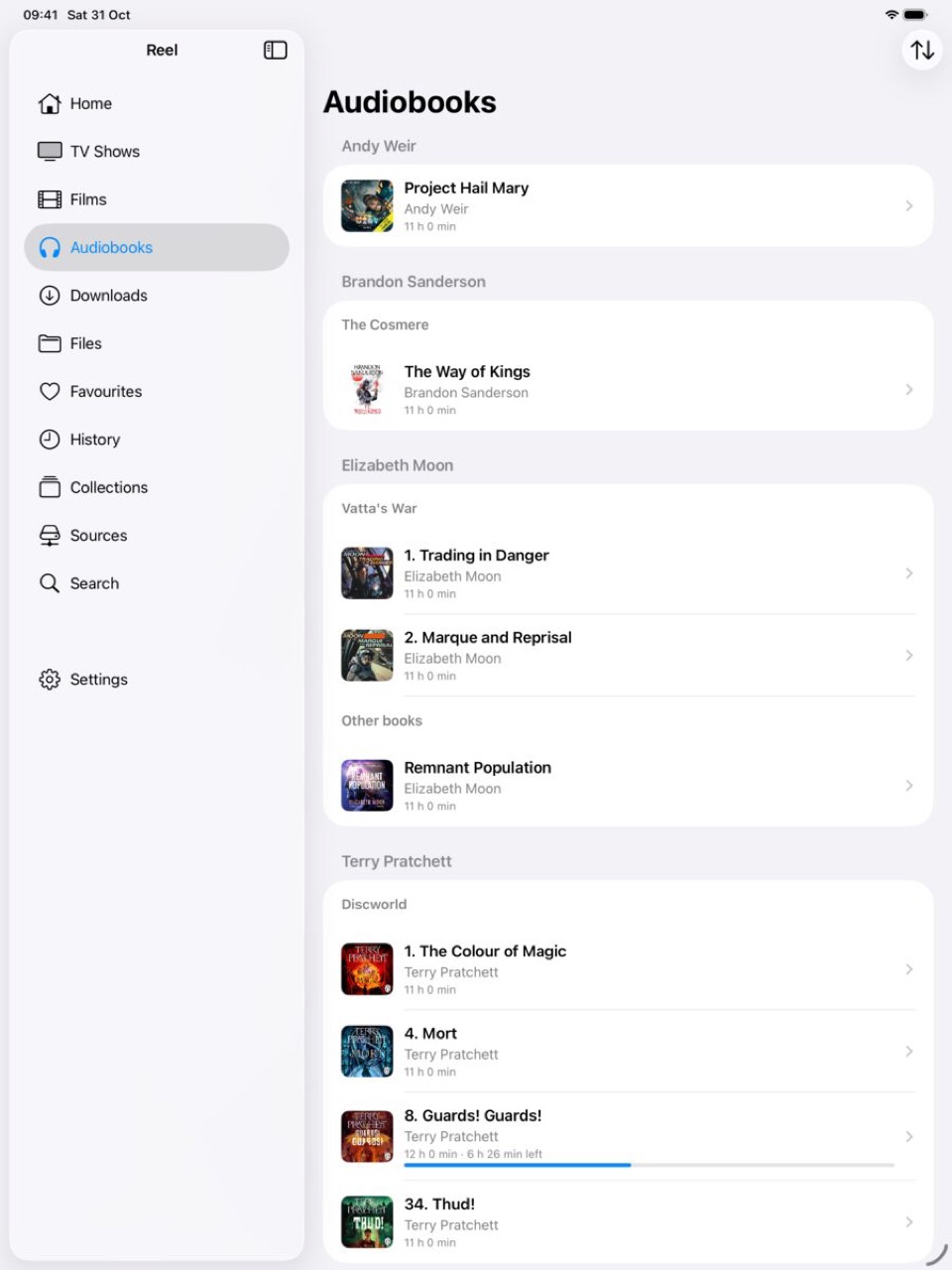
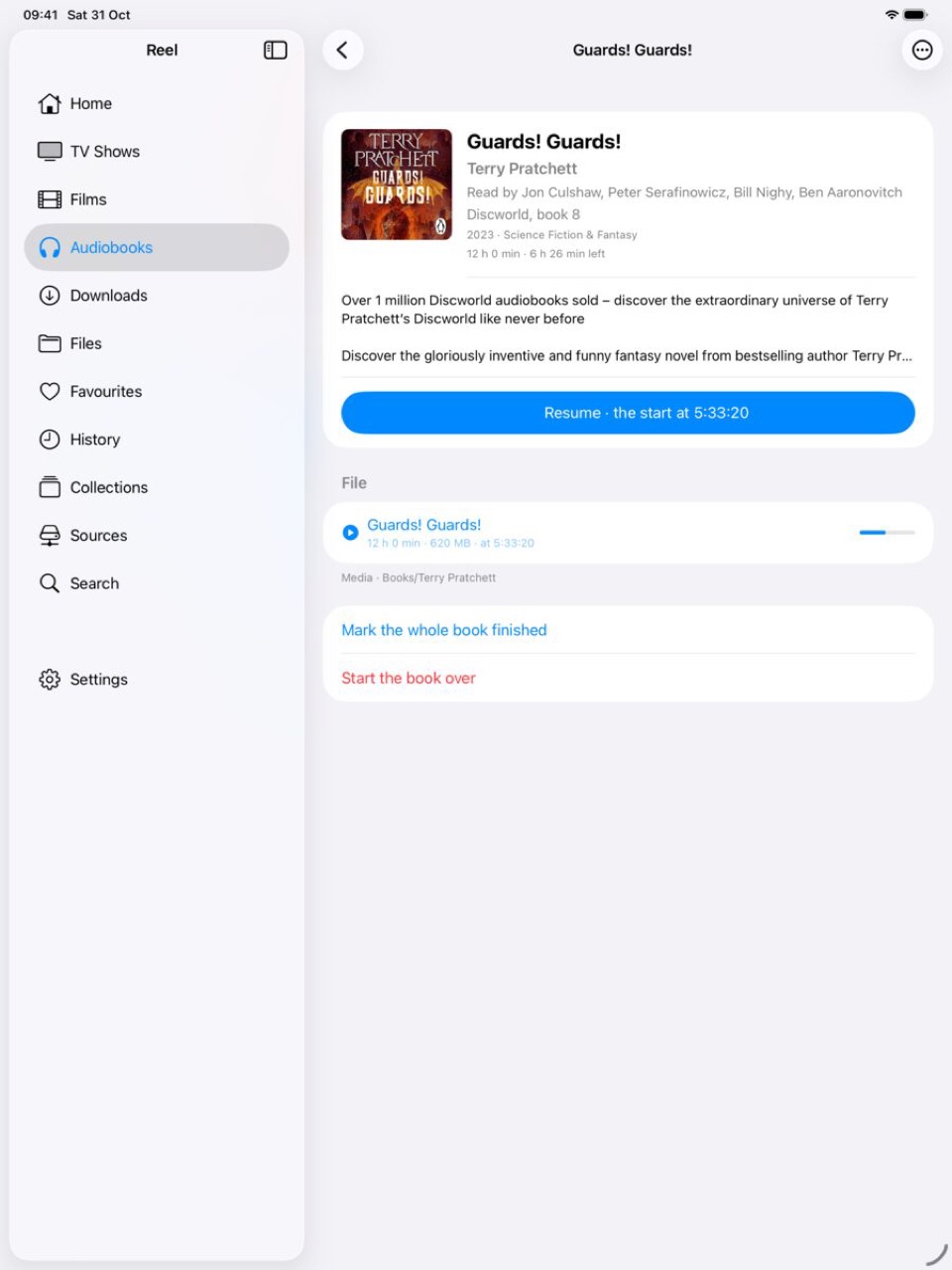
M4B and MP3 books shelved by author and series, with covers, narrators and summaries from Audible's catalogue. Resume where you stopped, in any part.
Made for watching
Skip intro, live scrub previews, auto-play next, sleep timer, dialogue boost, Picture in Picture, keyboard shortcuts on iPad.
AirPlay with the picture
Send a film to an Apple TV and the video goes with it, MKV included, with the audio track and subtitles you chose.
Finds things
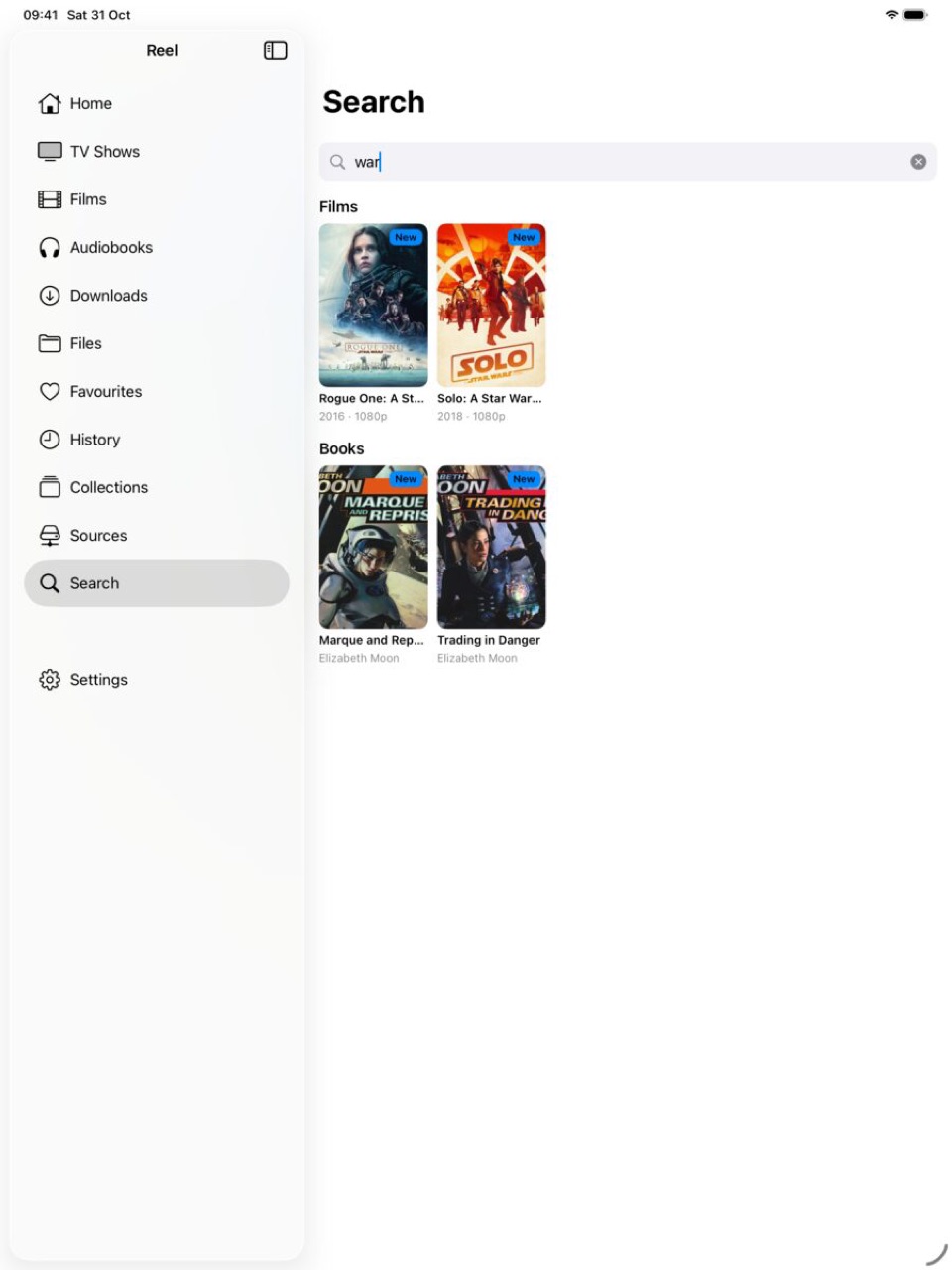
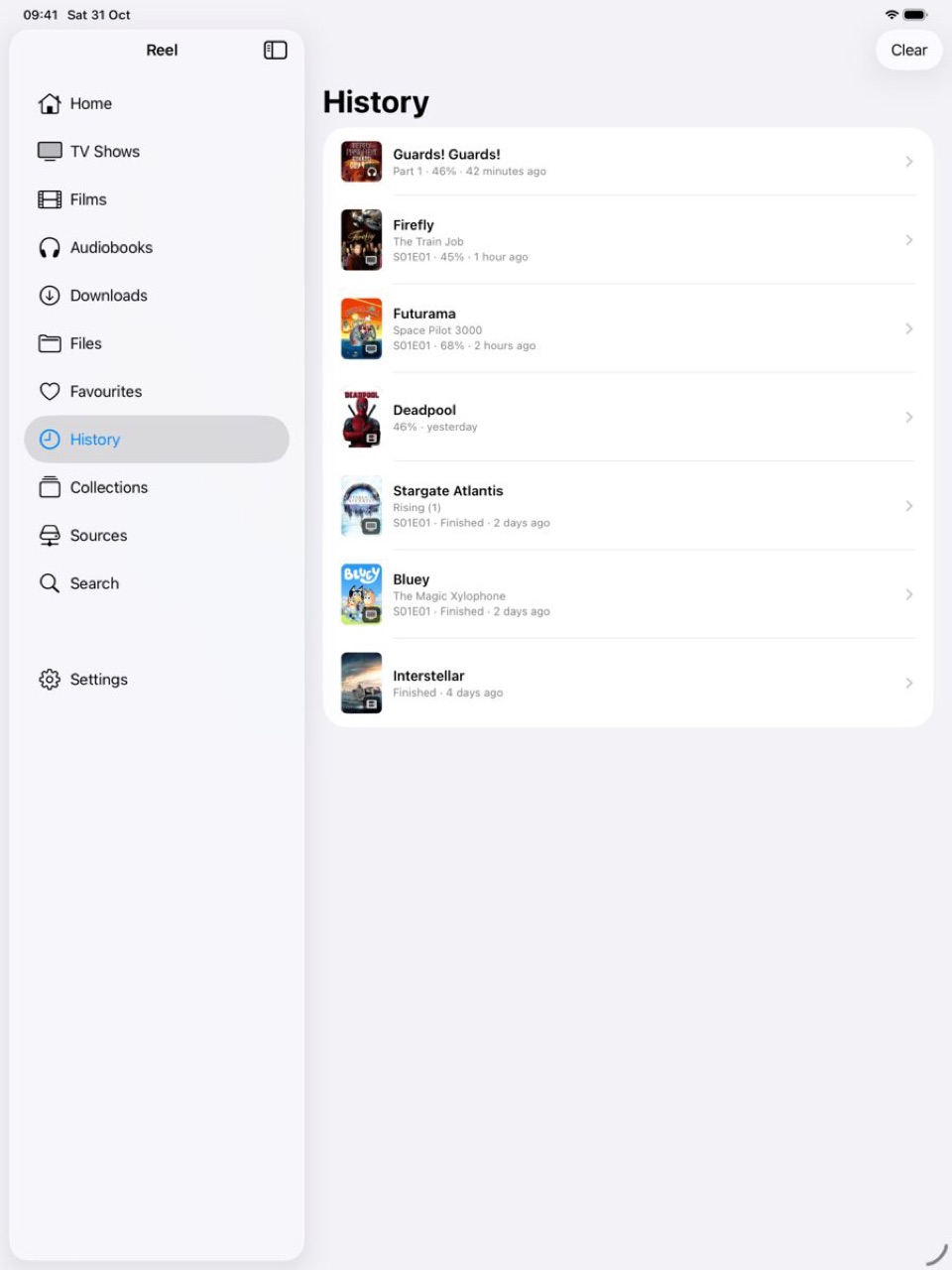
Search covers titles, episodes, books, authors, narrators and cast. History shows everything played and how far. Links out to TMDb, TheTVDB and AniDB for more.
Picks up where you left off
Progress, favourites, collections and fixes sync between your devices through iCloud. Nothing goes anywhere else.
Offline
Download episodes or films to the device for the flight.
Get Reel
Reel is in beta on TestFlight ahead of its App Store release. There is no public link yet; the App Store button will appear here when it ships.
Screens


Try it without a server
The first screen offers a sample library: three short films and a show built into the app, so you can see how it works before adding a share.
Metadata
Reel ships with its own keys, so there is nothing to register for. Titles, artwork and episode details come from The Movie Database (TMDB). This product uses the TMDB API but is not endorsed or certified by TMDB. Audiobook details come from Audible's catalogue, Audnexus and Apple Books. Optional extras come from fanart.tv, TheTVDB, OpenSubtitles, AniDB and Anime-Lists. See the data providers section for details.